





Description
Offline Maps for Global Travelers
Overview
CityMaps2Go Pro Offline Maps is a desktop application designed for travelers, hikers, mountain bikers, and outdoor enthusiasts who need reliable navigation in remote or low-connectivity environments. The software provides comprehensive coverage across more than 150 countries, 60,000 destinations, and 50 million places, ensuring users can access detailed maps regardless of location. Its primary purpose is to deliver accurate, up-to-date mapping data without requiring an active internet connection, making it ideal for off-grid adventures, international travel, and outdoor exploration.
The software supports both online and offline usage, allowing users to download maps in advance and access them seamlessly while on the move. It includes specialized terrain maps with footpaths, contour lines, and detailed topography, which are particularly useful for hikers and mountain bikers navigating challenging landscapes. Users can also explore detailed place information, including photos, travel tips, and comprehensive data, enhancing the overall travel planning experience.
Travelers can save favorite locations, create custom trip itineraries, and sync their plans across multiple devices using a single user account. This feature enables seamless coordination between mobile and desktop environments. The developer did not provide additional system requirements, and exact performance details were not specified. However, the software is designed for use on Windows and Mac platforms, targeting users who prioritize independence from network connectivity during travel.
Key Features & Capabilities
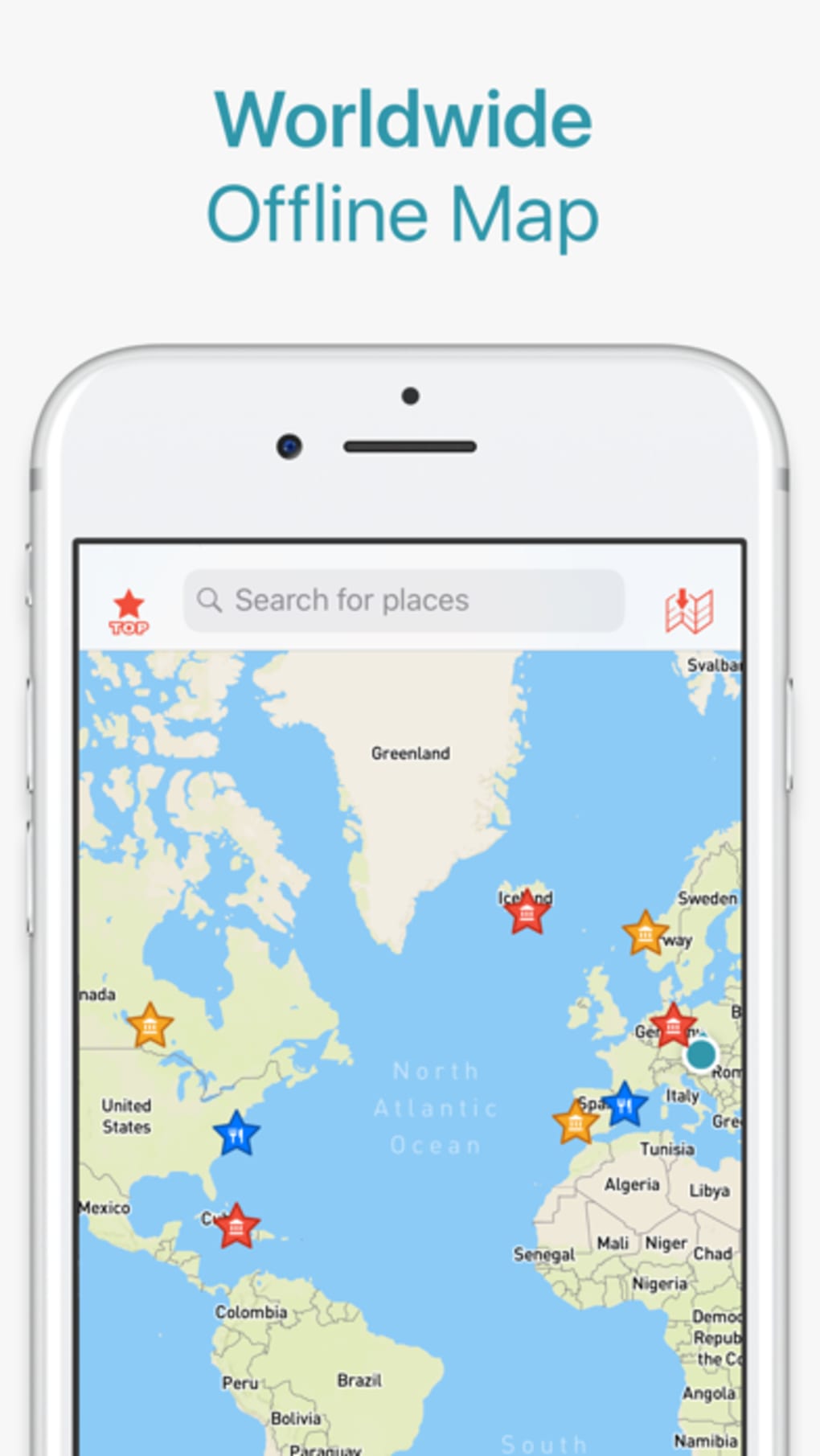
- Global Offline Coverage – Access maps for over 150 countries and 50 million places without an internet connection, ideal for international travel and remote areas.
- Detailed Terrain Mapping – Includes footpaths, contour lines, and topographic data for hiking, biking, and outdoor navigation in national parks and wilderness zones.
- Comprehensive Place Information – View photos, travel tips, and detailed descriptions for millions of destinations, enriching trip planning and on-site exploration.
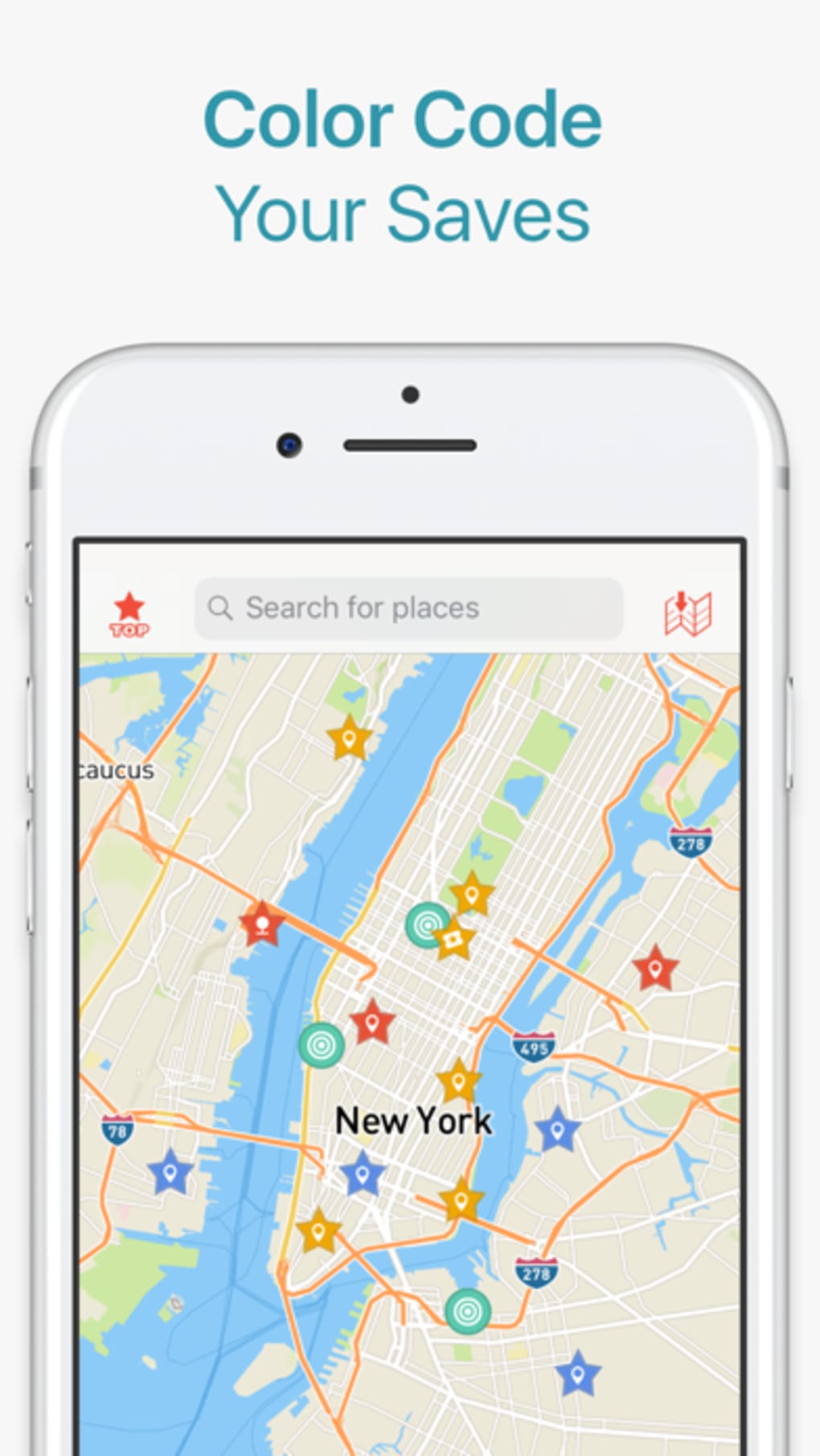
- Travel Planning & List Creation – Save locations of interest, build custom itineraries, and organize travel ideas for future trips.
- Multi-Device Sync – Log in with a user account to sync saved places, routes, and plans across desktop and mobile devices.
- Street, Footpath, and Bikeway Navigation – Navigate various routes including urban streets, hiking trails, and bike paths, even offline.
- Offline Trip Sharing – Share travel plans and saved locations with friends and family, facilitating group adventures.
These features support real-world usage scenarios such as planning a multi-country hiking tour, preparing for a mountain biking expedition in a remote region, or organizing a road trip with offline route guidance. The ability to download maps ahead of time ensures uninterrupted navigation in areas with limited or no cellular service. Users can explore saved destinations on a detailed worldwide map, making it easier to visualize and manage complex travel itineraries.
User Interface, Workflow & Performance
The user interface of CityMaps2Go Pro is structured to support both map viewing and travel planning with intuitive navigation. Users can switch between different map types, including standard, terrain, and satellite views, and access tools for route planning, place searching, and list management. The workflow emphasizes efficiency, allowing users to save locations, create trip lists, and visualize them on a global map with minimal steps.
Navigation is streamlined through a clean layout with clearly labeled tools and menus. The software supports touch and mouse input, ensuring usability across different device types. While the developer did not specify resource usage details, general software behavior suggests moderate CPU and RAM usage during active map rendering and route calculations. Performance observations are based on general software behavior patterns, and no specific stability or battery impact data was provided beyond the note that continuous GPS use in the background can significantly reduce battery life.
Overall, the interface prioritizes functionality over visual flair, catering to users who value practicality and reliability. The workflow supports both quick access to saved locations and in-depth trip planning, making it suitable for both casual travelers and serious outdoor adventurers.
Compatibility & System Requirements
CityMaps2Go Pro Offline Maps is compatible with Windows and Mac operating systems. The software version is 2024.02.12, with a download size of 1.8 GB. The developer did not provide additional system requirements, so exact hardware specifications such as minimum RAM, processor, or disk space were not listed. Compatibility information was partially provided, and users are advised to ensure their system meets general desktop application standards for smooth operation.
Installation is straightforward, and the software is designed to function on standard desktop environments. The lack of detailed system requirements means users should verify that their device has sufficient storage space for the full map data, especially if downloading multiple regions. No performance benchmarks or resource consumption data were specified, so users should monitor system behavior during extended use.
Pros and Cons
Pros
- Extensive offline map coverage across 150+ countries
- Specialized terrain maps with footpaths and contour lines
- Comprehensive place data including photos and travel tips
- Ability to create and sync travel plans across devices
- Supports navigation on streets, footpaths, and bikeways offline
- Free to download and use
Cons
- Exact system requirements not provided
- Continuous GPS usage may significantly reduce battery life
- Resource usage during map rendering not specified
- Limited information on update frequency or data refresh cycles
FAQ Section
Is CityMaps2Go Pro available for both Windows and Mac?
Yes, the software is compatible with both Windows and Mac operating systems.
Can I use CityMaps2Go Pro without an internet connection?
Yes, once maps are downloaded, the application functions fully offline, allowing navigation and access to saved locations.
Is the software safe to use on my desktop?
CityMaps2Go is a legitimate desktop application developed by a known provider. As with any software, it is recommended to download from official sources to ensure security.
How often are the maps updated?
The developer did not specify the update frequency. Users should check the official website for the latest release notes and data refresh schedules.
Can I share my travel plans with others?
Yes, by creating a user account and logging in across devices, you can sync and share your saved locations and trip itineraries with friends and family.
Final Thoughts + CTA
CityMaps2Go Pro Offline Maps stands out as a powerful tool for travelers and outdoor enthusiasts who demand reliable navigation in areas with limited connectivity. Its extensive global coverage, detailed terrain mapping, and robust trip planning features make it an essential companion for hiking, biking, and international travel. The ability to sync plans across devices and access rich place information enhances the overall user experience.
While specific system requirements and performance metrics were not provided, the software’s functionality and free availability make it a compelling choice for users seeking a dependable offline mapping solution. It is particularly well-suited for professionals in outdoor recreation, independent travelers, and adventure seekers who prioritize preparation and autonomy.
Download CityMaps2Go Pro Offline Maps now and prepare for your next journey with confidence.
Guides & Tutorials for CityMaps2Go Pro Offline Maps
How to install CityMaps2Go Pro Offline Maps
- Click the Preview / Download button above.
- Once redirected, accept the terms and click Install.
- Wait for the CityMaps2Go Pro Offline Maps download to finish on your device.
How to use CityMaps2Go Pro Offline Maps
This software is primarily used for its core features described above. Open the app after installation to explore its capabilities.
User Reviews for CityMaps2Go Pro Offline Maps 0
No reviews found





